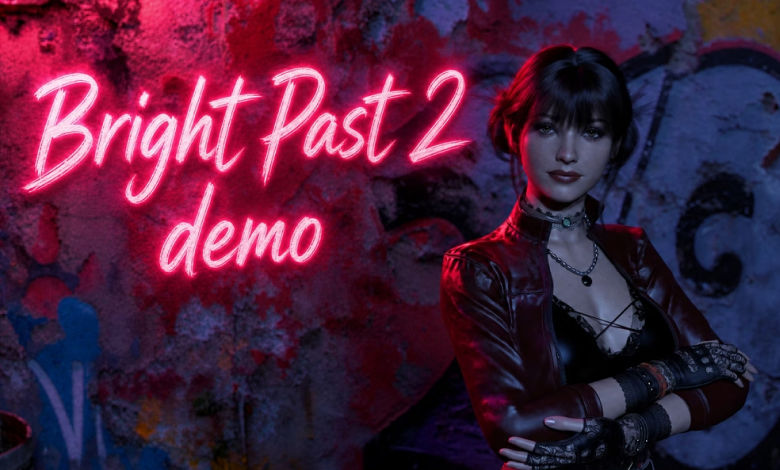
About Game
Bright Past 2: Dirty Virtue is a new game from a well-known developer, serving as a sequel to the popular game Bright Past – by Kosmos Games.
| Release Date: | 17 November, 2026 |
| Developer: | Kosmos Games |
| Censored: | No |
| Version: | Demo |
| OS: | Windows, Linux, Mac, Android |
| Language: | |
| Size: | 361 MB |
Tags: 3DCG, Adventure, Female protagonist,
Demo
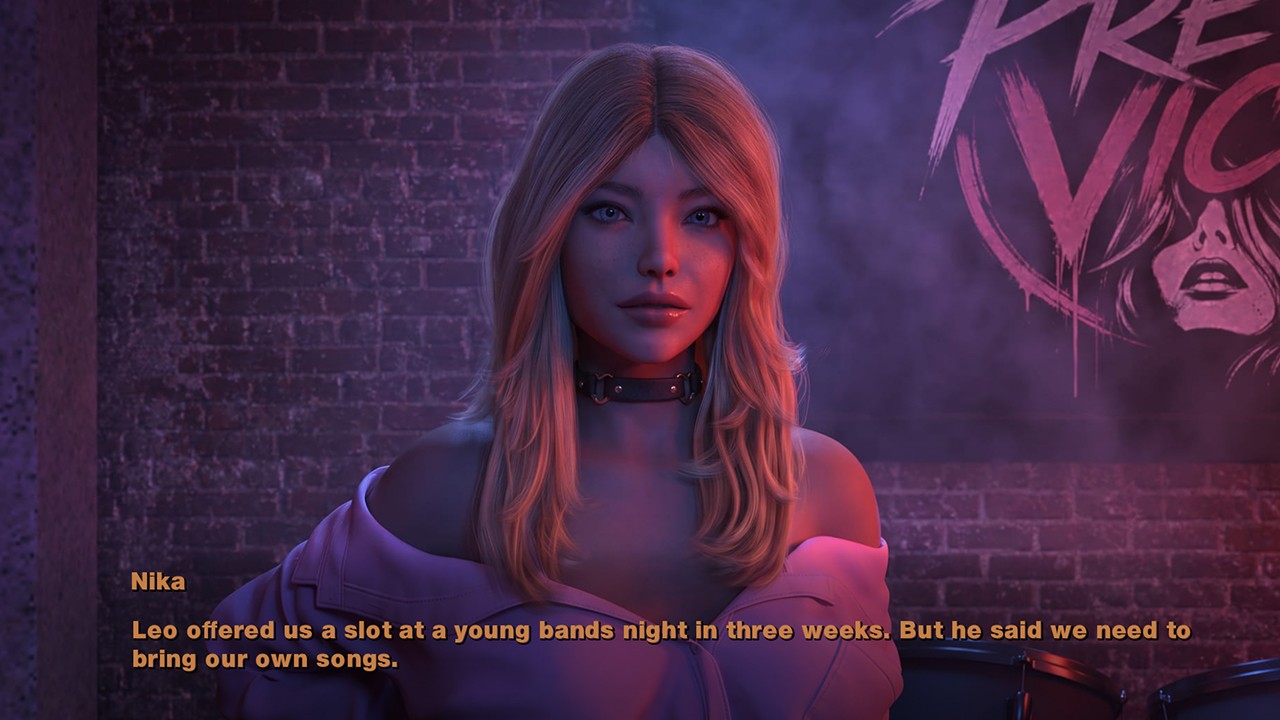
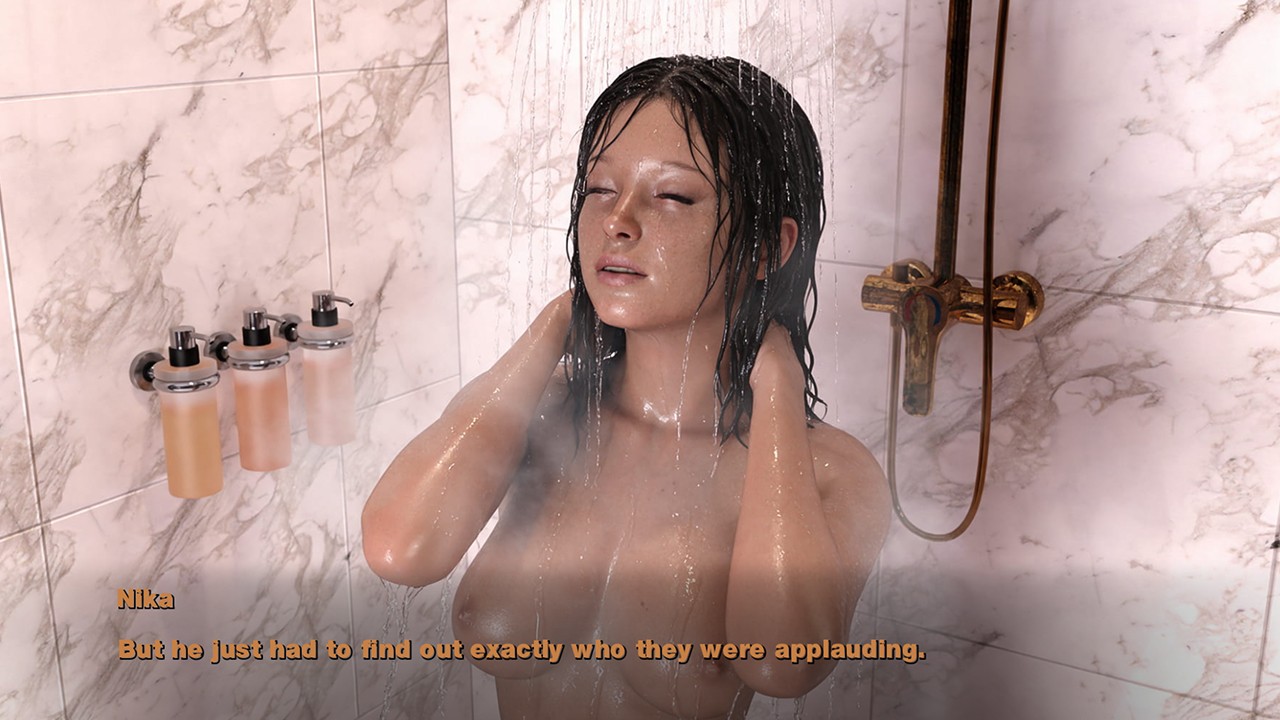
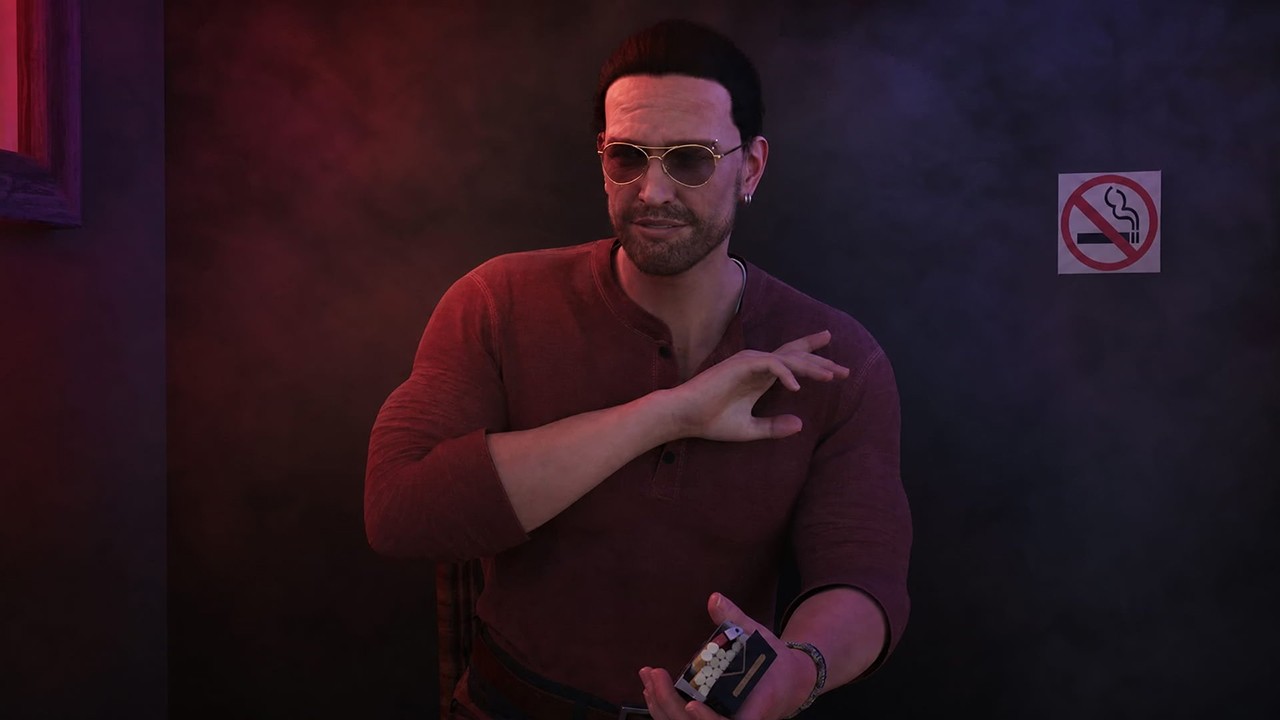
A short demo of Bright Past 2: Dirty Virtue. It’s time to get to know Nika Vail beyond the teaser and my posts.
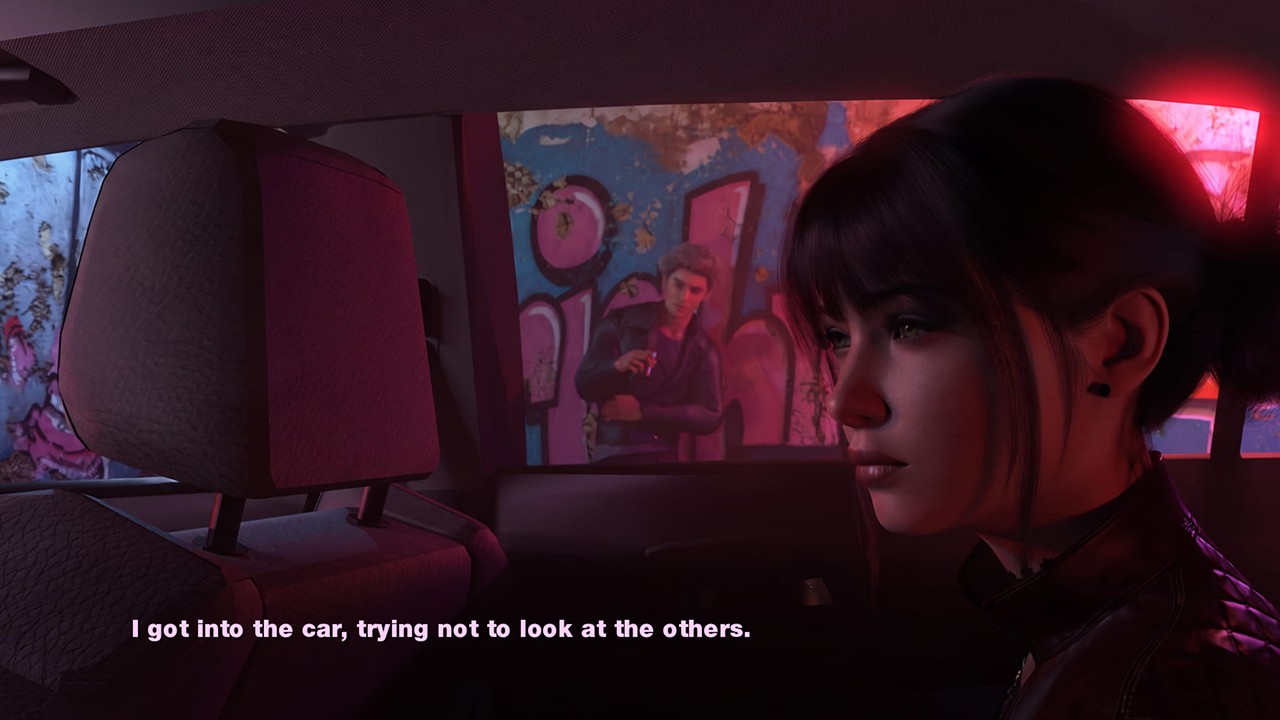
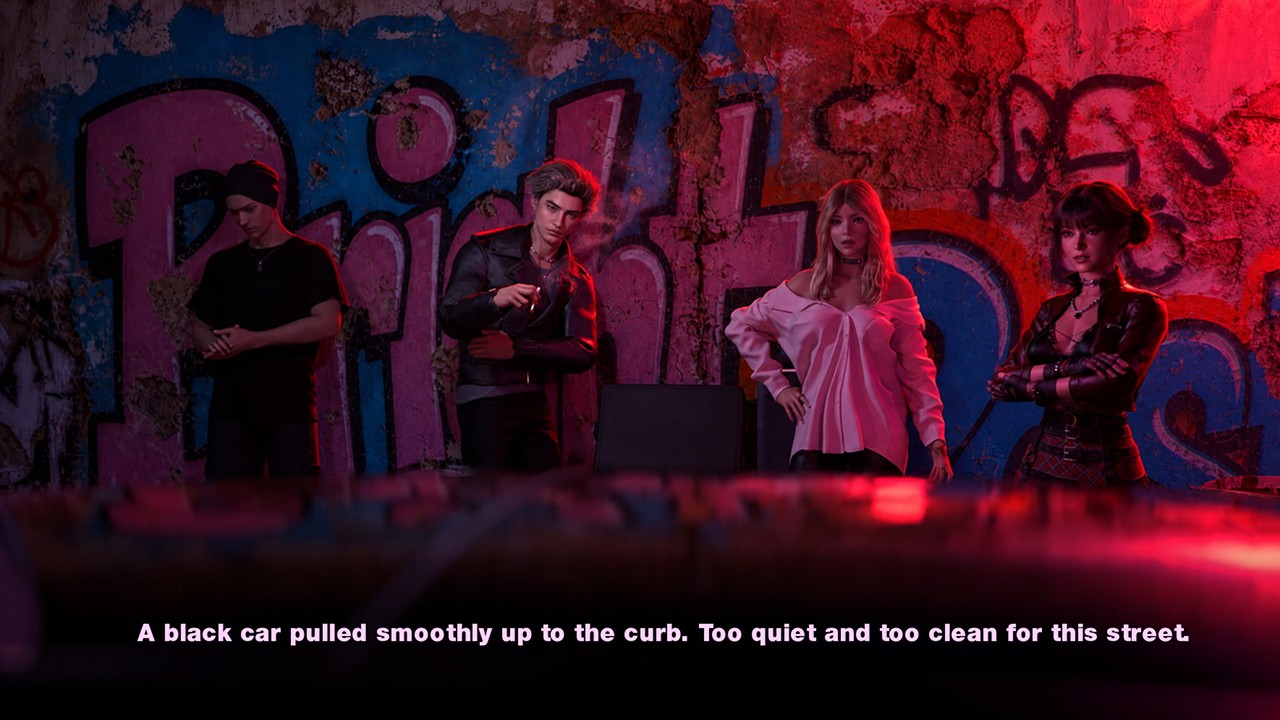
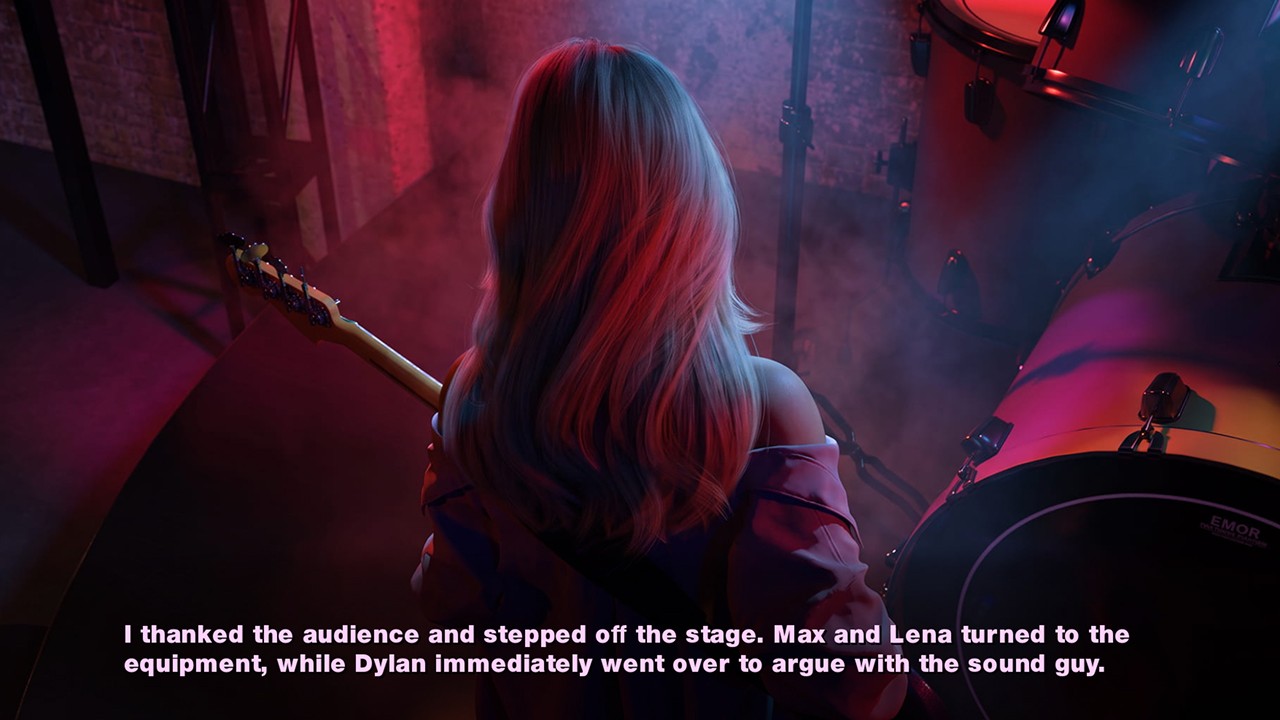
You’ll see Pretty Vice perform, meet Leo, and catch the first cracks beneath the young rock band’s polished image.
Royale-Game presents you with a unique project called Bright Past 2: Dirty Virtue by Kosmos Games. Download the game for Windows, Linux, Mac, Android for free to become a real king of adult games.
IMAGES
Download Win/Linux
Download Mac
Frequently Asked Questions
Where can I download Bright Past 2: Dirty Virtue for free?
You can download Bright Past 2: Dirty Virtue for free from the download links provided on this page. Choose the version compatible with your device and follow the installation instructions to get started.
Which operating systems can I play Bright Past 2: Dirty Virtue on?
Bright Past 2: Dirty Virtue is available for supported platforms listed in the system requirements section. Check the available downloads for Windows, Linux, macOS, or Android to find the version compatible with your device.
How do I install Bright Past 2: Dirty Virtue on my device?
Download the appropriate version of Bright Past 2: Dirty Virtue for your operating system. Once the download is complete, follow the installation instructions provided on this page. Android users may need to install the APK manually if the game is distributed in that format.
Does Bright Past 2: Dirty Virtue new updates?
Game updates may include bug fixes, improvements, new content, and compatibility changes. Check this page regularly for the latest available version and information about recent updates.
What should I do if Bright Past 2: Dirty Virtue doesn't work properly?
If the game fails to launch or crashes, make sure your device meets the minimum system requirements and that you have downloaded the correct version. Updating your operating system, reinstalling the game, or checking for a newer release may help resolve common issues.
How useful was this post?
Click on a star to rate it!
Average rating 0 / 5. Vote count: 0
No votes so far! Be the first to rate this post.